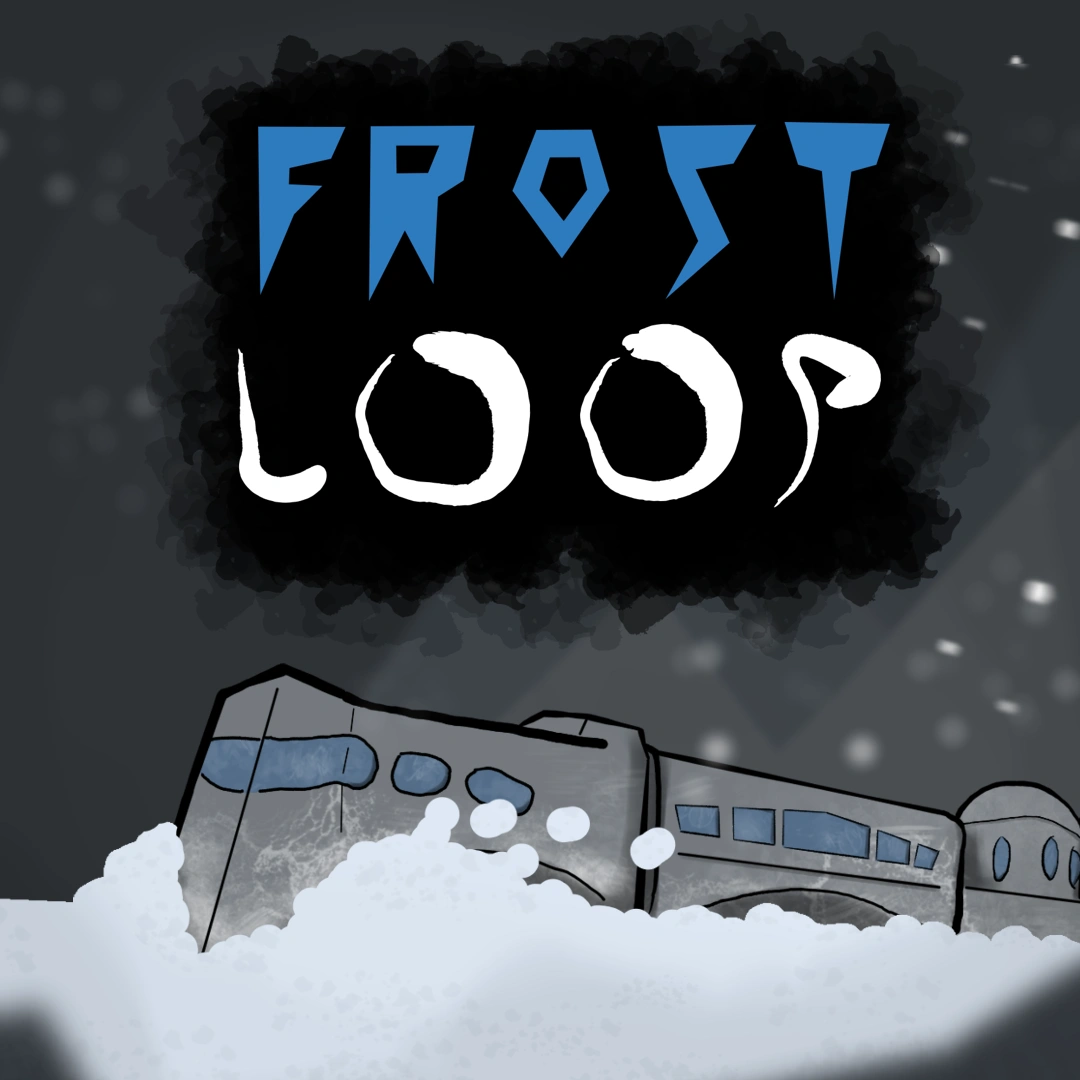
Want to watch this instead? Play FrostLoop
Intro
Hello I’m Digx7 and this is Devlog 8 of my first steam game Frost Loop a Survival City Builder on Rails. A game that is out now on steam and linked below! This will be my last main Frost Loop devlog and will cover what I’ve been working on since the previous devlog. But later will be releasing a post covering my work for the entire project, so stay tuned for that.
And with that out of the way lets get into this devlog.
Adding Final Content
As I began speeding towards this game’s release I added all the remaining content that was not included in the demo build. This includes things like new game modes and all the locked train cars. All the art assets were ready to go so it was just a matter of hooking up the objects in the engine and balancing everything. Even with taking extra time to squash a few bugs it’s strange how after 6 months of work I can just double the games content within a week. Guess that’s what happens once you get all the other systems in place.
Steam API
Even though this is a commercial game it primarily was, and still is, meant to be a resume portfolio piece. To that end, showing I know how to use the Steam API, to add Steam Achievements and Cloud Saves, well not necessary for the game would look great on my resume.
As such I pushed it off to the very end because I wasn’t sure I’d be able to add it in time.
The Steam API (SteamWorks) is written in C++, but Unity is in C#, so I had to find a 3rd party framework. I arbitrarily went with the FacePunch framework. After a bit of frustrating inducing poking around I figured out how to install it into unity by looking at the FacePunch documentation site under ‘installation’, not my proudest moment.
From there I got to work writing up a manager class to handle all my game’s steam functions.
Steam Achievements
Steam achievements let you reward the player for doing crazy things in the game. Now you can just manually trigger the achievements or you can tie the achievements to another Steam feature called Steam Stats. Steam Stats is exactly what it sounds like, it lets you track all kinds of stats on the players. None of the data is personalized and the only type of data you can track are integers and floats, also devs can only view the global total of a given stat. But what it lets you do is say set up a stat that increments every time the player builds a train car, then you can set up an achievement to automatically trigger once the player builds a set number of train cars.
So I figured out a list of stats to implement, and made achievements that could be tied to them.
The achievements themselves each require two unique art icons, one for its locked state and one for its unlocked state.
Steam Cloud Saves
Surprisingly cloud saves were easier to implement than Steam Achievements and only took a few hours from start to finish. You first need to tell steam about how many save files the average user will create and how much space that will take up. You next use the Steam API to read and write your save data to the Steam Cloud.
And that’s it.
Honestly because I already had a way of saving and loading data I just needed to modify that slightly to get it working with Steam.
Outro
And with that I put the game together, made the 1.0 build and released the game. That’s all for this devlog, links to the game and the sound track can be found below. I’ve got a post coming out soon recapping the entire project. So don’t forget to check back in and I’ll see you all then. Thanks for reading.